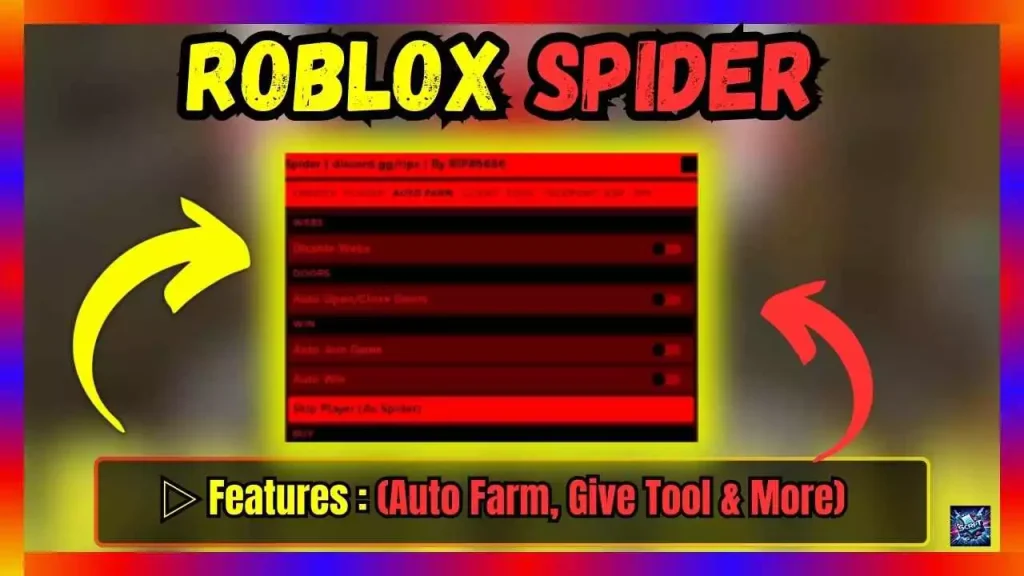
Auto Farm is a script that will provide you with everything you need to play this game: food, money, experience, and other things. Give Tool: This skill allows you to equip yourself with any tool you require. There are a lot of teleports on the map, so you don’t have to run all over it. Player: This function will show where all the people are on the map, even if there are obstacles in the way. Item: This script will show where things are on the map, even if there are obstacles in the way.
“🚀 Hop on WhatsApp & Telegram to Grab the Latest Scripts Instantly! 🌟 Stay ahead, stay updated. Join us now!”
Script Name
Roblox Spider Script
Script Features
Auto Farm, Give Tool, Teleports & More
Use Options
Copy & Download
Update Date
23.05.2024
_G.RedGUI = true
_G.Theme = “Dark” — Must disable or remove _G.RedGUI to use
–Themes: Light, Dark, Mocha, Aqua and Jester
loadstring(game:HttpGet(“https://raw.githubusercontent.com/CasperFlyModz/discord.gg-rips/main/Spider.lua”))()
#textBox {
min-width: 300px;
max-width: 100%;
min-height: 40px; /* Minimum height to start with */
padding: 10px;
margin: 10px 0;
border: 2px solid #007bff;
border-radius: 5px;
background-color: #e9ecef;
overflow-wrap: break-word;
display: inline-block;
}
button {
padding: 8px 12px;
border: none;
border-radius: 5px;
background-color: #007bff;
color: white;
cursor: pointer;
font-weight: bold;
margin-bottom: 30px;
text-transform: uppercase;
transition: background-color 0.3s;
}
button:hover {
background-color: #0056b3;
}
function copyToClipboard() {
var copyText = document.getElementById(“textBox”);
var range = document.createRange();
range.selectNode(copyText);
window.getSelection().removeAllRanges();
window.getSelection().addRange(range);
document.execCommand(“copy”);
alert(“Text Copied successfully ” );
}
function downloadText() {
var text = document.getElementById(“textBox”).textContent;
var element = document.createElement(‘a’);
element.setAttribute(‘href’, ‘data:text/plain;charset=utf-8,’ + encodeURIComponent(text));
element.setAttribute(‘download’, “download.txt”);
element.style.display = ‘none’;
document.body.appendChild(element);
element.click();
document.body.removeChild(element);
}
Steps:
1. Click COPY button for auto copy script 2. Paste the script into your script application 3. Run and done
With these simple steps, players can quickly and easily use the script to improve their Roblox game experience.