The Auto Bounty Hunt Script for Blox Fruits helps players automatically earn bounty points. It features quick targeting, automatic attacks, and efficient farming. With this script, you can boost your bounty without much effort, making gameplay smoother and more enjoyable.
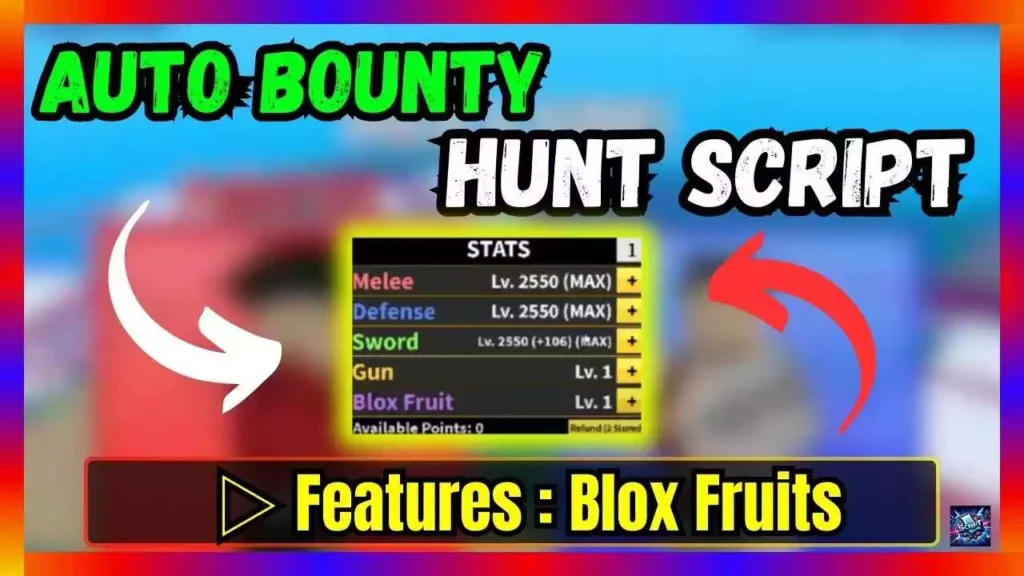
| Script Name: | Auto Bounty Hunt Script |
| Use Options: | Copy & Download |
| Update Date: | 09.07.2024 |
repeat wait() until game:IsLoaded()
_G.HOHO_autoBounty = {
TransparencyGui = true,
AutoTeam = “Pirate”, — Pirate/Marine
Webhook = “”,
BypassTeleport = false, — dont use
SkipLeopardAndBuddah = false,
MaxTimeTarget = 120,
[“Dont attack player have Cup”] = false,
Character_Config = {
InvisibleCharacter = true, — use this bundle: https://www.roblox.com/bundles/238/Man
InvisFromKen = true,
NoStun = true,
},
Skill_Config = {
[“Melee”] = {
Z = {Enabled = false, Hold = 0.1},
X = {Enabled = false, Hold = 0.1},
C = {Enabled = false, Hold = 0.1},
},
[“Sword”] = {
Z = {Enabled = false, Hold = 0.1},
X = {Enabled = false, Hold = 0.1},
},
[“Gun”] = {
Z = {Enabled = false, Hold = 0.1},
X = {Enabled = false, Hold = 0.1},
},
[“Fruit”] = {
Z = {Enabled = true, Hold = 0.3},
X = {Enabled = true, Hold = 0.2},
C = {Enabled = true, Hold = 0.2},
V = {Enabled = true, Hold = 0.1},
F = {Enabled = true, Hold = 0.2},
},
},
}
loadstring(game:HttpGet(‘https://raw.githubusercontent.com/acsu123/HOHO_H/main/Loading_UI’))()
#textBox {
min-width: 300px;
max-width: 100%;
min-height: 40px; /* Minimum height to start with */
padding: 10px;
margin: 10px 0;
border: 2px solid #007bff;
border-radius: 5px;
background-color: #e9ecef;
overflow-wrap: break-word;
display: inline-block;
}
button {
padding: 8px 12px;
border: none;
border-radius: 5px;
background-color: #007bff;
color: white;
cursor: pointer;
font-weight: bold;
margin-bottom: 30px;
text-transform: uppercase;
transition: background-color 0.3s;
}
button:hover {
background-color: #0056b3;
}
function copyToClipboard() {
var copyText = document.getElementById(“textBox”);
var range = document.createRange();
range.selectNode(copyText);
window.getSelection().removeAllRanges();
window.getSelection().addRange(range);
document.execCommand(“copy”);
alert(“Text Copied successfully ” );
}
function downloadText() {
var text = document.getElementById(“textBox”).textContent;
var element = document.createElement(‘a’);
element.setAttribute(‘href’, ‘data:text/plain;charset=utf-8,’ + encodeURIComponent(text));
element.setAttribute(‘download’, “download.txt”);
element.style.display = ‘none’;
document.body.appendChild(element);
element.click();
document.body.removeChild(element);
}
Steps:
1. Click COPY button for auto copy script
2. Paste the script into your script application
3. Run and done
With these simple steps, players can quickly and easily use the script to improve their Roblox game experience.
More All Roblox Script Articles
▷ {PUSH UP TRAINING SIMULATOR}: Auto Pushup (Script)
▷ BLOX FRUITS: Matsune Hub, Auto Farm, Teleports, and more
▷ {DUNGEON QUEST}: Kill all, Auto Farm, Hip+- (Script)
▷ Mage Tycoon Script: Infinity Jump, Auto Buttons, Invisible
▷ A Dusty Trip Script: Inf Stamina, Auto Road, Teleports
▷ {BLOX FRUITS}: Ragnarok, Auto-Farming, Boss Fights