The Noclip Roblox Script offers a Direct Copy and Free Download feature, making it easy for players to access and use. This script allows you to move through walls and objects, enhancing your gaming experience.
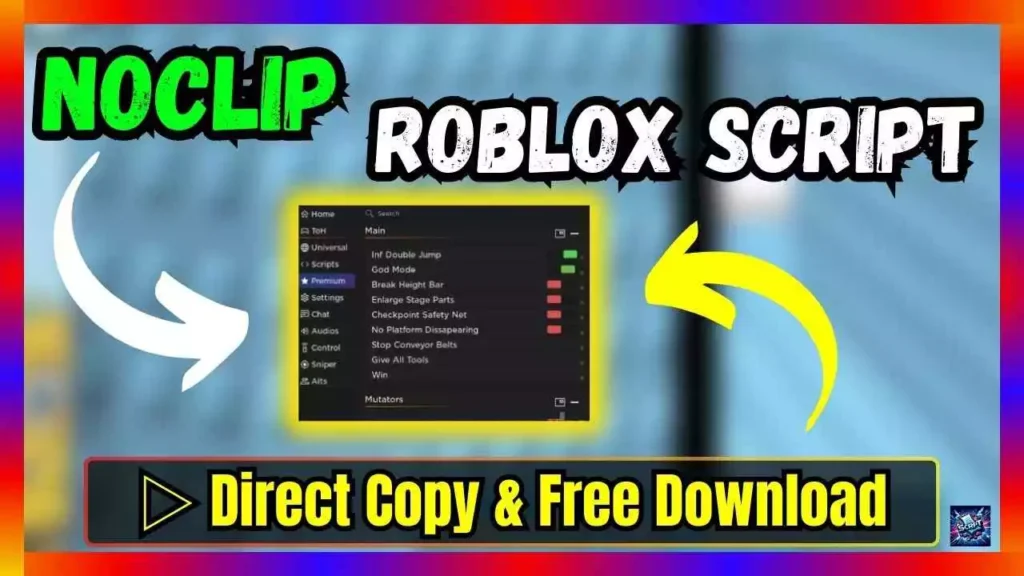
| Script Name: | Noclip Roblox Script |
| Script Features: | Universal |
| Use Options: | Copy & Download |
| Update Date: | 05.07.2024 |
local Noclip = nil
local Clip = nil
function noclip()
Clip = false
local function Nocl()
if Clip == false and game.Players.LocalPlayer.Character ~= nil then
for _,v in pairs(game.Players.LocalPlayer.Character:GetDescendants()) do
if v:IsA(‘BasePart’) and v.CanCollide and v.Name ~= floatName then
v.CanCollide = false
end
end
end
wait(0.21) — basic optimization
end
Noclip = game:GetService(‘RunService’).Stepped:Connect(Nocl)
end
function clip()
if Noclip then Noclip:Disconnect() end
Clip = true
end
noclip() — to toggle noclip() and clip()
#textBox {
min-width: 300px;
max-width: 100%;
min-height: 40px; /* Minimum height to start with */
padding: 10px;
margin: 10px 0;
border: 2px solid #007bff;
border-radius: 5px;
background-color: #e9ecef;
overflow-wrap: break-word;
display: inline-block;
}
button {
padding: 8px 12px;
border: none;
border-radius: 5px;
background-color: #007bff;
color: white;
cursor: pointer;
font-weight: bold;
margin-bottom: 30px;
text-transform: uppercase;
transition: background-color 0.3s;
}
button:hover {
background-color: #0056b3;
}
function copyToClipboard() {
var copyText = document.getElementById(“textBox”);
var range = document.createRange();
range.selectNode(copyText);
window.getSelection().removeAllRanges();
window.getSelection().addRange(range);
document.execCommand(“copy”);
alert(“Text Copied successfully ” );
}
function downloadText() {
var text = document.getElementById(“textBox”).textContent;
var element = document.createElement(‘a’);
element.setAttribute(‘href’, ‘data:text/plain;charset=utf-8,’ + encodeURIComponent(text));
element.setAttribute(‘download’, “download.txt”);
element.style.display = ‘none’;
document.body.appendChild(element);
element.click();
document.body.removeChild(element);
}
Steps:
1. Click COPY button for auto copy script
2. Paste the script into your script application
3. Run and done
With these simple steps, players can quickly and easily use the script to improve their Roblox game experience.